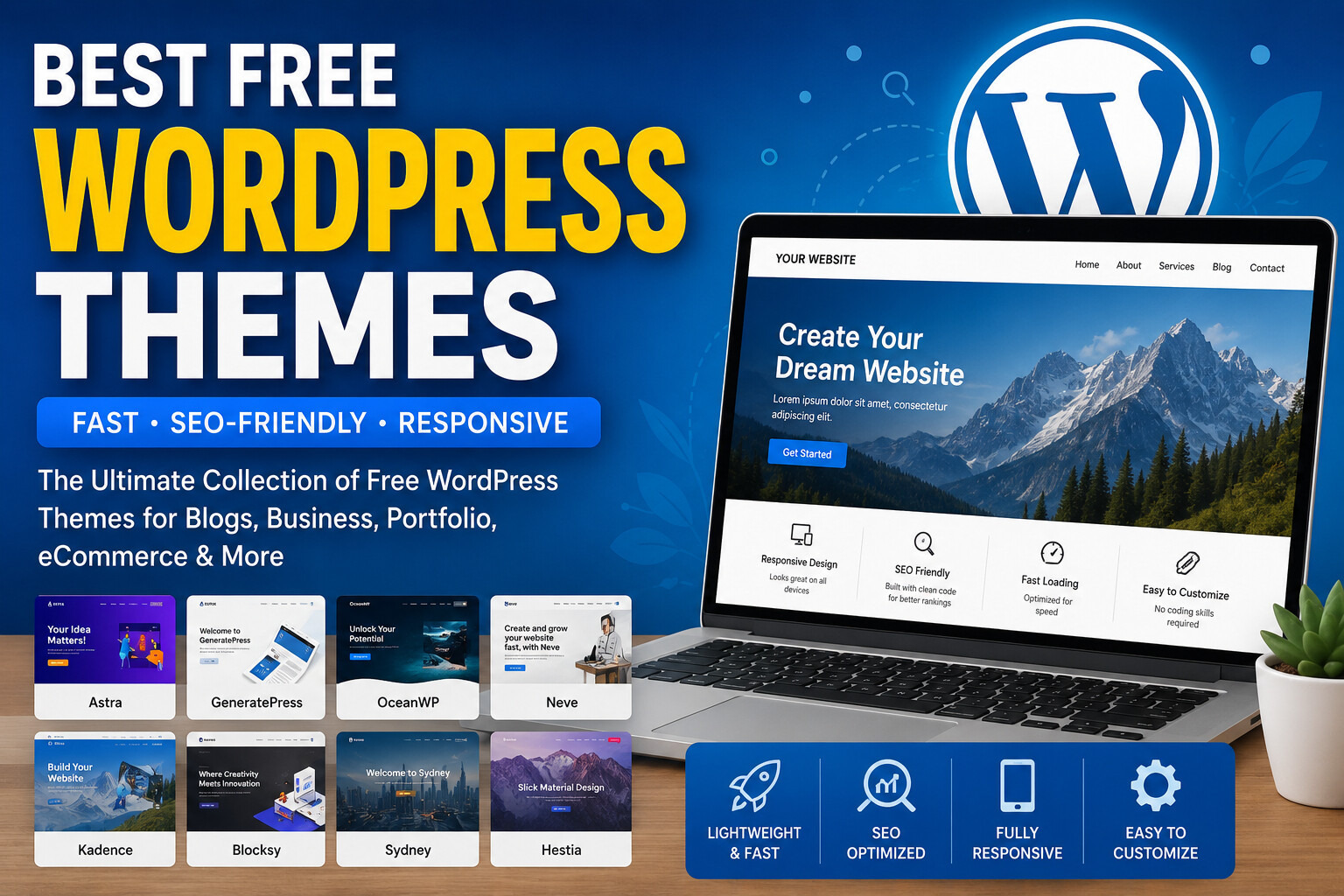
Best Free WordPress Themes
Choosing the right WordPress theme is one of the most important decisions when building a website. A theme controls your site’s appearance, loading speed, mobile responsiveness, user experience, and even search engine optimization (SEO). While thousands of premium themes are available, many free WordPress themes offer excellent performance, professional designs, and powerful customization features without costing a penny.
Whether you’re launching a personal blog, business website, online portfolio, news portal, or eCommerce store, selecting a lightweight and SEO-friendly theme can significantly improve your website’s performance and search rankings.
In this guide, we’ll explore the best free WordPress themes in 2026, explain what makes a great theme, and help you choose the perfect option for your website.
Why Choosing the Right WordPress Theme Matters
A WordPress theme does much more than define the look of your website. It affects several critical aspects of performance and usability.
Website Speed
A lightweight theme loads faster, providing visitors with a better browsing experience. Fast-loading websites also perform better in search engine rankings.
Search Engine Optimization
Many modern themes are built using clean, optimized code that helps search engines crawl and index your pages efficiently.
Mobile Responsiveness
More than half of all website traffic comes from mobile devices. A responsive theme automatically adjusts to different screen sizes, ensuring your website looks great on smartphones, tablets, and desktops.
User Experience
A well-designed theme makes navigation simple, improves readability, and encourages visitors to stay longer on your website.
Easy Customization
The best free WordPress themes allow you to change colors, typography, layouts, and headers without touching a single line of code.
Features to Look for in a Free WordPress Theme
Not every free theme offers the same level of quality. Before installing a theme, consider the following features:
- Lightweight design
- Fast loading speed
- Responsive layout
- SEO-friendly coding
- Accessibility support
- Regular updates
- Compatibility with popular plugins
- Page builder support
- WooCommerce compatibility
- Translation readiness
- Cross-browser compatibility
- Clean typography
- Secure coding practices
Selecting a theme with these features ensures your website remains fast, secure, and easy to manage.
Top Free WordPress Themes
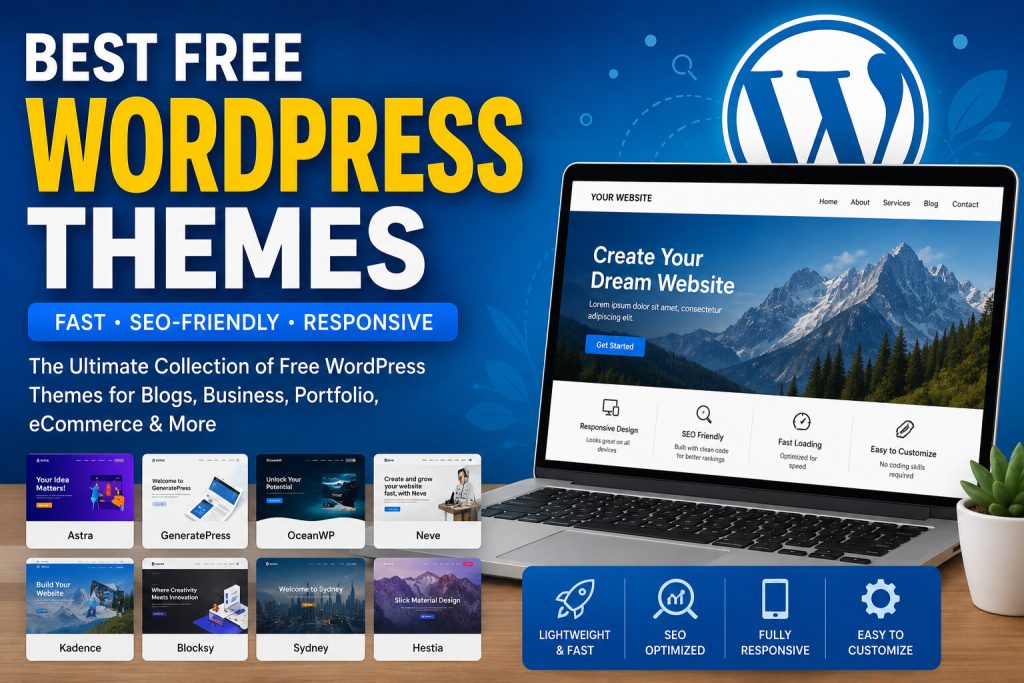
Below are some of the best-performing free themes available today.
1. Astra
Astra is one of the most popular free WordPress themes, trusted by millions of website owners. It is known for its lightweight architecture and exceptional speed.
Best For
- Blogs
- Business websites
- Portfolios
- Online stores
- Agencies
Key Features
- Extremely lightweight
- Fast page loading
- WooCommerce support
- Starter templates
- Compatible with Elementor and Gutenberg
- SEO-friendly structure
Advantages
- Beginner-friendly
- Excellent performance
- Regular updates
- Large user community
Limitations
- Some advanced customization options require the premium version.
2. GeneratePress
GeneratePress focuses on speed, stability, and clean coding. It is widely recommended by SEO professionals and developers.
Best For
- Bloggers
- Business websites
- Developers
- Affiliate marketers
Features
- Lightweight code
- Excellent performance
- Accessibility ready
- Mobile responsive
- Secure framework
- Compatible with major plugins
Pros
- Outstanding loading speed
- Clean code
- Reliable updates
- Excellent SEO performance
Cons
- The free version offers fewer design templates than some competitors.
3. Kadence
Kadence has become one of the fastest-growing WordPress themes due to its modern design and flexible customization options.
Best For
- Creative professionals
- Bloggers
- Business websites
- Online stores
Features
- Drag-and-drop header builder
- Responsive layouts
- WooCommerce support
- Starter templates
- Global typography controls
Advantages
- Modern design
- Fast performance
- Easy customization
- Excellent mobile optimization
4. Blocksy
Blocksy is built using modern web technologies and offers impressive speed alongside advanced customization options.
Best For
- Blogs
- Technology websites
- Magazines
- Small businesses
Features
- Gutenberg optimized
- WooCommerce support
- Header builder
- Dark mode
- Responsive design
Blocksy provides an excellent balance between performance and design flexibility.
5. Neve
Neve is a lightweight multipurpose WordPress theme suitable for beginners and professionals alike.
Best For
- Small businesses
- Startups
- Landing pages
- Blogs
- Portfolios
Features
- Fast loading
- Mobile-first design
- AMP compatible
- Starter websites
- SEO-friendly coding
Advantages
- Easy setup
- Excellent compatibility
- Frequent updates
Free vs Premium WordPress Themes
Many beginners wonder whether they should start with a free theme or invest in a premium option.
Free Themes
Advantages:
- No cost
- Easy installation
- Suitable for beginners
- Regular security updates from reputable developers
- Reliable performance
Limitations:
- Fewer customization options
- Limited premium templates
- Basic support
Premium Themes
Advantages:
- Advanced customization
- More templates
- Dedicated customer support
- Premium plugins
- Additional design flexibility
For most new websites, a high-quality free theme provides more than enough features to build a professional online presence.
How to Choose the Right Theme
Before selecting a WordPress theme, ask yourself these questions:
- What type of website are you building?
- Do you need WooCommerce support?
- Will you use Elementor or Gutenberg?
- Is website speed your top priority?
- How much customization do you need?
Answering these questions will help you narrow your options and choose a theme that matches your long-term goals.
More of the Best Free WordPress Themes in 2026
While Astra, GeneratePress, Kadence, Blocksy, and Neve are among the most popular choices, several other free WordPress themes also offer excellent performance, beautiful designs, and useful features. Depending on your website’s purpose, one of these themes may be the perfect fit.
6. OceanWP
OceanWP is a flexible multipurpose WordPress theme suitable for blogs, business websites, portfolios, and online stores.
One of its biggest strengths is its WooCommerce integration, making it a popular choice for small businesses launching online shops.
Best For
- eCommerce websites
- Business websites
- Blogs
- Agencies
Key Features
- WooCommerce ready
- Responsive design
- SEO-friendly code
- Fast loading
- Custom header options
- Translation ready
Pros
- Highly customizable
- Beginner-friendly
- Regular updates
- Large user community
Cons
- Some advanced features are available only in premium extensions.
7. Hello Elementor
Hello Elementor is an ultra-lightweight theme created specifically for users who build websites with Elementor.
Rather than including many built-in design features, it provides a clean foundation for complete visual customization.
Best For
- Elementor users
- Landing pages
- Creative websites
- Agencies
Features
- Extremely lightweight
- Fast performance
- Responsive design
- Minimal code
- Full Elementor compatibility
Advantages
- Excellent speed
- Complete design freedom
- Very beginner-friendly
Limitations
- Not ideal if you prefer using the WordPress Customizer instead of Elementor.
8. Sydney
Sydney is designed for freelancers, startups, and business websites that need a professional online presence.
Best For
- Corporate websites
- Agencies
- Freelancers
- Consultants
Features
- Professional homepage sections
- Responsive layout
- Google Fonts support
- Header customization
- Translation ready
Pros
- Modern appearance
- Easy customization
- Good performance
9. Zakra
Zakra is a lightweight multipurpose theme suitable for many different website types.
It includes several starter templates that help beginners launch a website quickly.
Best For
- Blogs
- Businesses
- Educational websites
- Portfolios
Features
- Responsive design
- SEO optimized
- WooCommerce support
- Fast loading
- Accessibility ready
10. ColorMag
ColorMag is one of the most popular free magazine themes.
If you publish frequent articles, news, or tutorials, this theme offers an attractive layout with excellent readability.
Best For
- News websites
- Online magazines
- Technology blogs
- Review websites
Features
- Magazine layout
- Widget areas
- Advertisement support
- Responsive design
- Fast loading
11. Hestia
Hestia provides a clean one-page design suitable for startups and small businesses.
Best For
- Business websites
- Agencies
- Landing pages
- Portfolios
Features
- Modern material design
- Responsive layout
- WooCommerce support
- Live customizer
- SEO friendly
12. Ashe
Ashe is designed for bloggers who want an elegant and minimal website.
Best For
- Fashion blogs
- Food blogs
- Travel blogs
- Lifestyle websites
Features
- Beautiful typography
- Mobile responsive
- WooCommerce compatible
- Multiple blog layouts
13. Hueman
Hueman has remained a favorite among bloggers because of its readability and flexible layout.
Best For
- Content-heavy blogs
- Magazines
- Educational websites
Features
- Multiple sidebars
- Responsive design
- Retina ready
- SEO optimized
14. Botiga
Botiga is a modern WooCommerce theme created specifically for online stores.
Best For
- Fashion stores
- Electronics shops
- Small businesses
- eCommerce startups
Features
- Product galleries
- Shopping cart optimization
- Mobile-friendly layout
- Fast loading
15. Storefront
Storefront is the official WooCommerce theme developed for seamless compatibility with WooCommerce.
Best For
- Online stores
- Product catalogs
- Retail businesses
Features
- WooCommerce integration
- Secure coding
- Responsive design
- Lightweight framework
WordPress Theme Comparison Table
| Theme | Speed | SEO Friendly | WooCommerce | Best For |
|---|---|---|---|---|
| Astra | Excellent | Yes | Yes | All websites |
| GeneratePress | Excellent | Yes | Yes | Bloggers |
| Kadence | Excellent | Yes | Yes | Business |
| Blocksy | Excellent | Yes | Yes | Blogs |
| Neve | Excellent | Yes | Yes | Small Business |
| OceanWP | Very Good | Yes | Yes | eCommerce |
| Hello Elementor | Excellent | Yes | Limited | Elementor Users |
| Sydney | Very Good | Yes | Yes | Agencies |
| Zakra | Very Good | Yes | Yes | Beginners |
| ColorMag | Very Good | Yes | Optional | Magazines |
| Hestia | Very Good | Yes | Yes | Business |
| Ashe | Good | Yes | Yes | Bloggers |
| Hueman | Good | Yes | Optional | Content Sites |
| Botiga | Excellent | Yes | Yes | Online Stores |
| Storefront | Excellent | Yes | Yes | WooCommerce |
Which Theme Is the Fastest?
Website speed is one of the most important ranking factors for both user experience and search engine optimization.
Among the themes listed above, GeneratePress, Astra, Kadence, Blocksy, and Hello Elementor are widely recognized for their lightweight code and excellent performance.
However, actual speed also depends on your hosting provider, caching configuration, image optimization, and installed plugins.
Which Theme Is Best for Beginners?
If you’re launching your first WordPress website, choose a theme that is easy to install, simple to customize, and well documented.
Recommended beginner themes include:
- Astra
- Kadence
- Neve
- GeneratePress
- Zakra
These themes provide intuitive customization options and work well with the default WordPress editor as well as popular page builders.
Tips for Choosing the Right Theme
When comparing themes, keep these best practices in mind:
- Choose a theme that loads quickly.
- Make sure it is updated regularly.
- Check that it is responsive on mobile devices.
- Verify compatibility with popular plugins.
- Select a design that matches your website’s purpose.
- Avoid themes packed with unnecessary features that may slow down your site.
- Read user reviews and documentation before installing.
By focusing on performance, security, and usability, you’ll create a website that is both visitor-friendly and search-engine friendly.
How to Install a Free WordPress Theme
Installing a free WordPress theme is simple, even if you’re new to WordPress. Follow these steps to get started:
Step 1: Log In to Your WordPress Dashboard
Sign in to your WordPress admin panel using your administrator account.
Step 2: Navigate to Appearance → Themes
From the left-hand menu, click Appearance, then select Themes.
Step 3: Click “Add New”
Browse the WordPress theme directory or use the search bar to find your preferred theme.
Step 4: Install the Theme
Click the Install button. WordPress will automatically download and install the theme.
Step 5: Activate the Theme
After installation, click Activate to make the theme live on your website.
Step 6: Customize Your Website
Go to Appearance → Customize or use the Site Editor (depending on your theme) to personalize colors, typography, layouts, menus, and widgets.
Essential Plugins to Use with Free Themes
A great theme becomes even more powerful when combined with reliable plugins.
Here are some popular categories of plugins to consider:
SEO
Use an SEO plugin to optimize your pages, create XML sitemaps, and improve search engine visibility.
Caching
Caching plugins improve loading speed by reducing server processing time.
Security
Protect your website from malware, brute-force attacks, and unauthorized access.
Backup
Regular backups ensure your website can be restored if something goes wrong.
Image Optimization
Compress images to improve page speed without sacrificing quality.
Contact Forms
Allow visitors to contact you through professional-looking forms.
Common Mistakes to Avoid
Many beginners choose a theme based only on appearance. However, long-term performance depends on several other factors.
Installing Too Many Themes
Keep only the active theme and one default WordPress theme for troubleshooting. Remove unused themes to improve security.
Ignoring Performance
A visually attractive theme is not helpful if it slows down your website.
Always prioritize speed and clean code.
Forgetting Mobile Users
Test your website on different screen sizes to ensure it provides an excellent mobile experience.
Installing Too Many Plugins
Even a lightweight theme can become slow if dozens of unnecessary plugins are installed.
Choose only trusted plugins that you actually need.
Skipping Updates
Keep your theme updated to receive security patches, bug fixes, and compatibility improvements.
SEO Tips for WordPress Themes
Your theme plays an important role in technical SEO, but additional best practices can further improve your rankings.
Choose a Lightweight Theme
Themes with clean code generally load faster and perform better in search engines.
Optimize Images
Use compressed images and modern formats such as WebP whenever possible.
Enable Caching
Caching significantly improves loading speed and user experience.
Use Proper Heading Structure
Organize your content with one H1 heading followed by logical H2 and H3 headings.
Improve Core Web Vitals
Focus on loading speed, visual stability, and user interaction performance.
Use Responsive Design
A mobile-friendly website is essential for modern SEO.
Free vs Premium WordPress Themes: A Detailed Comparison
| Feature | Free Theme | Premium Theme |
|---|---|---|
| Cost | Free | Paid |
| Design Options | Basic | Advanced |
| Starter Templates | Limited | Extensive |
| Customer Support | Community | Dedicated |
| Customization | Moderate | Advanced |
| Updates | Regular | Regular |
| Performance | Excellent (quality themes) | Excellent |
| WooCommerce | Often Supported | Fully Supported |
| Documentation | Good | Extensive |
For many blogs, business websites, and portfolios, a reputable free theme is more than sufficient. Premium themes become valuable when you require advanced customization, dedicated support, or niche-specific features.
Frequently Asked Questions
What is the best free WordPress theme?
The best choice depends on your needs. Astra, GeneratePress, Kadence, Blocksy, and Neve are excellent all-around options.
Are free WordPress themes safe?
Yes, themes downloaded from the official WordPress Theme Directory are reviewed for coding standards and security. Always avoid downloading themes from unknown or untrusted websites.
Do free themes support WooCommerce?
Many popular free themes include WooCommerce compatibility, making them suitable for online stores.
Which theme is best for SEO?
GeneratePress, Astra, Kadence, Blocksy, and Neve are widely recognized for their lightweight code and SEO-friendly structure.
Can I change my WordPress theme later?
Yes. However, changing themes may affect layouts, widgets, and customization settings. Always back up your website before switching themes.
Are free themes mobile responsive?
Most modern WordPress themes are designed to work well on desktops, tablets, and smartphones.
Do free themes receive updates?
Yes. Reputable developers regularly release updates to improve security, compatibility, and performance.
Should beginners use a page builder?
Page builders can simplify website design, but the default WordPress Block Editor is powerful enough for many websites and often delivers better performance.
Can a free theme rank on Google?
Absolutely. Search rankings depend on many factors, including content quality, page speed, backlinks, user experience, and technical SEO. A well-coded free theme provides an excellent foundation.
Final Recommendation
If you’re looking for a reliable, fast, and SEO-friendly free WordPress theme, these are excellent starting points:
- Best Overall: Astra
- Best for Speed: GeneratePress
- Best for Beginners: Kadence
- Best for Blogs: Blocksy
- Best for Small Businesses: Neve
- Best for WooCommerce: Storefront or Botiga
- Best for Elementor Users: Hello Elementor
- Best for News Websites: ColorMag
Each of these themes offers strong performance, responsive design, and regular updates, making them suitable for a wide variety of websites.
Conclusion
Selecting the right WordPress theme is one of the most important decisions you’ll make when building a website. A fast, responsive, and SEO-friendly theme improves user experience, supports better search engine rankings, and provides a solid foundation for future growth.
Fortunately, you don’t need to spend money to create a professional website. High-quality free themes such as Astra, GeneratePress, Kadence, Blocksy, Neve, and others deliver excellent performance and flexibility for blogs, business websites, portfolios, and online stores.
Before making your final choice, think about your website’s goals, required features, preferred editor, and long-term plans. Combine your chosen theme with quality hosting, optimized images, and valuable content to create a website that both users and search engines will appreciate.
- Upwork Readiness Test : Complete Guide, Questions, Tips & Preparation
- Popular Freelancing Skills for Beginners : In-Demand Skills to Start Freelance Career
- Google AdSense Guide : How to Get Approved and Maximize Your Earnings
- Keyword Research : The Complete Beginner’s Guide to Finding High-Ranking Keywords
- এনভায়রনমেন্টাল টেকনোলজি