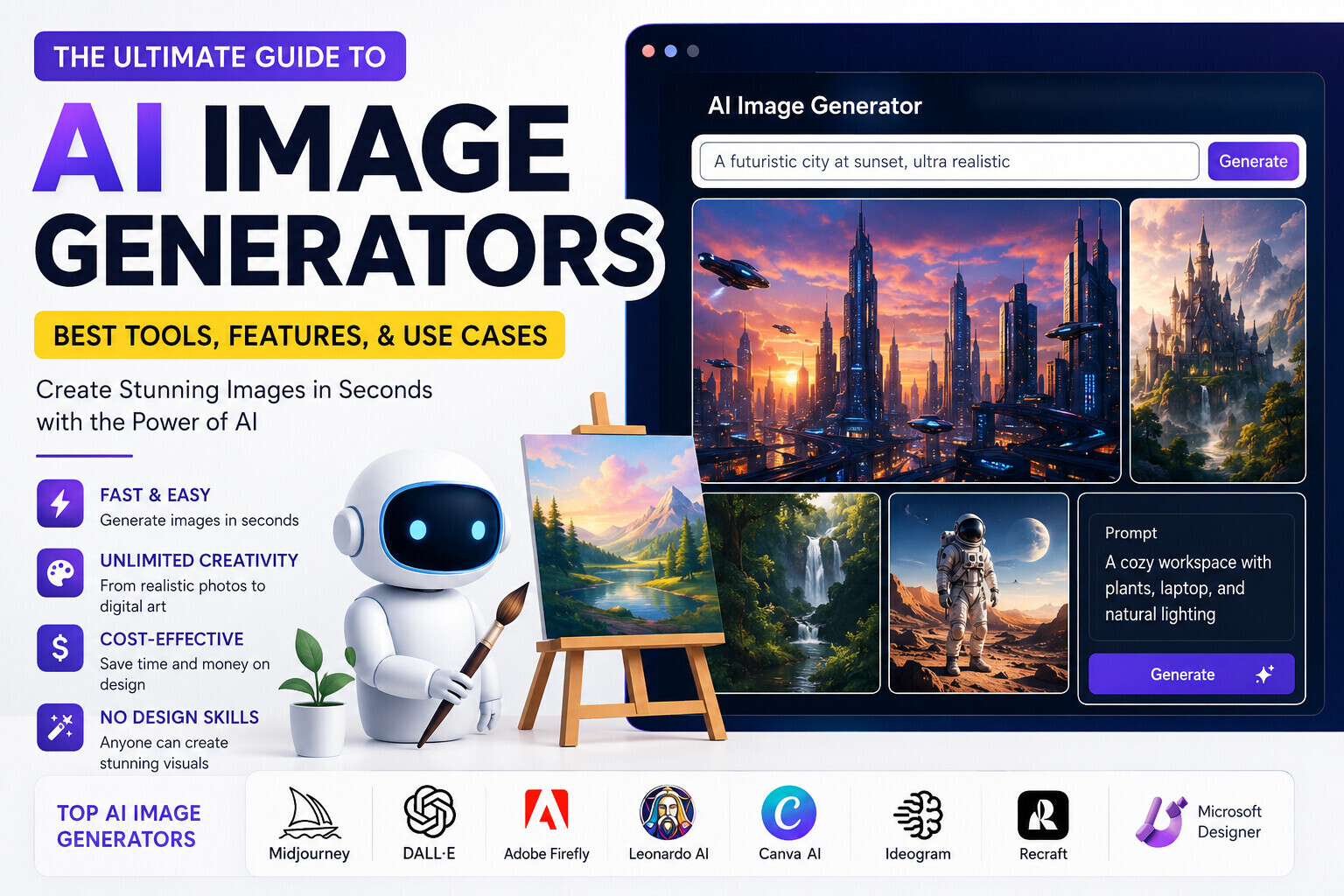
Best AI Image Generators in 2026: The Ultimate Guide for Beginners and Professionals
Meta Title: Best AI Image Generators in 2026 | Top AI Art Tools Compared
Best AI Image Generators in 2026: The Ultimate Guide
Artificial Intelligence (AI) has transformed nearly every digital industry, and image creation is one of the most exciting areas of innovation. Today, anyone can create stunning artwork, realistic photographs, social media graphics, product mockups, illustrations, and marketing visuals simply by typing a short description.
These powerful applications, known as AI image generators, are changing the way designers, bloggers, marketers, freelancers, and businesses create visual content.
Instead of spending hours designing graphics manually, AI can generate professional-quality images in seconds. Whether you are creating blog featured images, YouTube thumbnails, website banners, advertising materials, or digital artwork, AI image generation tools can dramatically improve your workflow while reducing costs.
In this comprehensive guide, you’ll learn everything about AI image generators, including how they work, their advantages, real-world applications, and the best tools available in 2026.
What Are AI Image Generators?
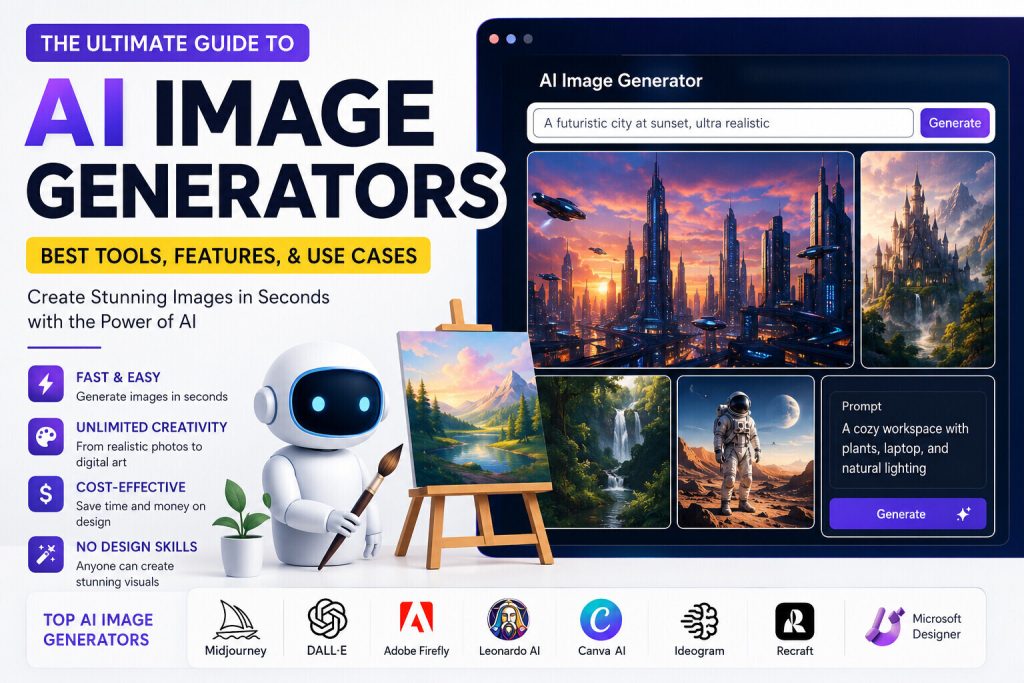
AI image generators are software applications powered by artificial intelligence that create original images from text descriptions, commonly called prompts.
A user simply writes what they want to see, and the AI converts that description into a completely new image.
For example:
“A modern home office with a freelancer working on a laptop, natural lighting, realistic photography, ultra-detailed, 8K.”
Within seconds, the AI creates an image matching the description.
Unlike traditional graphic design software, AI image generators do not require advanced artistic skills. This makes them accessible to beginners while also providing powerful creative capabilities for professionals.
How Do AI Image Generators Work?
Modern AI image generators rely on advanced machine learning models trained on enormous datasets containing millions of images and text descriptions.
Although each platform uses different technologies, the overall workflow is similar.
Step 1: Text Prompt
The user enters a detailed description of the desired image.
Example:
A futuristic smart city at sunset with flying vehicles, cinematic lighting, ultra realistic.
Step 2: AI Processing
The AI analyses the prompt and identifies important elements such as:
- Objects
- Environment
- Style
- Colours
- Lighting
- Camera angle
- Composition
Step 3: Image Generation
The AI predicts what the requested scene should look like and generates one or multiple image variations.
Step 4: Editing
Many AI platforms allow users to:
- Remove backgrounds
- Replace objects
- Expand images
- Increase resolution
- Change artistic style
- Edit selected areas
Why AI Image Generators Are Becoming So Popular
AI-generated images have become increasingly popular because they significantly reduce the time and effort required to create professional visuals.
1. Faster Content Creation
Traditional design may take hours.
AI often finishes the same task in less than one minute.
This allows content creators to publish more frequently.
2. Lower Design Costs
Hiring a professional designer isn’t always affordable.
AI tools help startups, bloggers, and freelancers create quality graphics at a much lower cost.
3. Unlimited Creativity
Need an astronaut riding a horse on Mars?
Or a luxury office floating in the clouds?
AI can create imaginative concepts that would be difficult or expensive to photograph.
4. No Design Experience Required
Most AI image generators are beginner-friendly.
Simply describe what you want.
The software handles the technical work.
5. Improved Productivity
Businesses use AI to produce:
- Blog images
- Website banners
- Social media posts
- Product advertisements
- Presentation graphics
- Email marketing visuals
This dramatically increases productivity.
Benefits of Using AI Image Generators
Using AI-powered image creation tools offers many advantages.
Save Time
Generate professional visuals within seconds.
Increase Productivity
Create multiple design variations almost instantly.
Reduce Costs
Lower dependence on expensive design software and outsourced artwork.
Easy Experimentation
Try different artistic styles without starting over.
Consistent Branding
Generate graphics that match your brand colours and visual identity.
Global Accessibility
Most AI tools work directly in your web browser without requiring powerful hardware.
Common Applications of AI Image Generators
AI-generated visuals are now used across many industries.
Blogging
- Featured images
- Article illustrations
- Infographics
- Social media promotion
Digital Marketing
- Facebook Ads
- Instagram graphics
- Pinterest pins
- Display advertisements
Freelancing
Design freelancers use AI to:
- Speed up workflows
- Generate concepts
- Create client mockups
- Produce presentation materials
E-commerce
Online stores create:
- Product mockups
- Lifestyle images
- Promotional banners
- Seasonal campaigns
Education
Teachers generate:
- Visual explanations
- Educational posters
- Presentation graphics
- Learning materials
Entertainment
AI helps create:
- Character concepts
- Fantasy artwork
- Story illustrations
- Game assets
- Movie storyboards
Types of AI Image Generators
Different tools specialise in different artistic styles.
Realistic Image Generators
Best for:
- Photography
- Marketing
- Product images
- Portraits
Artistic AI
Ideal for:
- Digital paintings
- Fantasy artwork
- Oil paintings
- Watercolour art
Logo Generators
Useful for:
- Small businesses
- Startups
- Freelancers
Illustration Generators
Perfect for:
- Books
- Children’s stories
- Comics
- Educational content
Vector Graphic AI
Suitable for:
- Icons
- Logos
- Branding
- Infographics
Who Should Use AI Image Generators?
Almost anyone who creates digital content can benefit from AI-powered image creation.
Bloggers
Create engaging featured images that improve click-through rates.
Freelancers
Deliver projects faster while maintaining high-quality visuals.
Digital Marketers
Produce compelling advertising creatives for multiple platforms.
Small Business Owners
Create promotional materials without hiring a designer for every project.
Students
Generate educational graphics and presentation visuals.
Graphic Designers
Use AI as a brainstorming and productivity tool rather than a replacement for creativity.
Can AI Replace Graphic Designers?
This is one of the most frequently asked questions.
The short answer is No.
AI is an excellent assistant, but it cannot fully replace human creativity, strategic thinking, storytelling, or brand understanding.
Professional designers still play a vital role in:
- Brand identity
- User experience
- Creative direction
- Marketing strategy
- Typography
- Print production
- Complex illustration
The most successful designers use AI to enhance their workflow rather than replace their expertise.
What Makes a Good AI Prompt?
The quality of your image depends heavily on your prompt.
Instead of writing:
“A dog.”
Try:
“A golden retriever running through a green forest during sunrise, cinematic lighting, ultra-realistic photography, shallow depth of field, 8K resolution.”
The more descriptive your prompt, the better the result.
Top 10 Best AI Image Generators in 2026
Choosing the right AI image generator depends on your goals. Some platforms are designed for photorealistic images, while others excel at digital art, branding, illustrations, or marketing graphics.
Below are the ten most popular AI image generators in 2026, along with their strengths and ideal use cases.
1. ChatGPT Images
Best For: Content creators, bloggers, marketers, and businesses
ChatGPT Images allows users to create and edit high-quality images using natural language prompts. It is particularly useful because it combines conversational assistance with image generation, making it easy to refine prompts until the desired result is achieved.
Key Features
- High-quality image generation
- Natural language editing
- Background replacement
- Image expansion
- Object removal
- Multiple artistic styles
- Easy prompt refinement
Pros
- Beginner-friendly
- Excellent prompt understanding
- Strong editing capabilities
- Fast image creation
Cons
- Advanced features may require a paid plan
2. Midjourney
Best For: Digital artists and concept designers
Midjourney is known for producing highly artistic and cinematic images with impressive lighting, colours, and textures. It is a favourite among illustrators, game designers, and creative professionals.
Strengths
- Beautiful artistic output
- Excellent fantasy artwork
- Detailed illustrations
- High creativity
Weaknesses
- Steeper learning curve
- Prompt writing requires practice
3. Adobe Firefly
Best For: Professional graphic designers
Adobe Firefly integrates with popular creative applications, making it a practical choice for designers who already work with professional design software.
Features
- Commercial-friendly workflow
- Generative fill
- Text effects
- Background generation
- Image expansion
4. Google Imagen
Best For: Realistic photography
Google’s AI image technology focuses on producing realistic images while accurately understanding complex prompts.
It performs particularly well with:
- Landscapes
- Portraits
- Product photography
- Architecture
5. Leonardo AI
Best For: Game development
Leonardo AI has become popular among game developers because it creates:
- Characters
- Weapons
- Fantasy environments
- Sci-fi artwork
- Game assets
It also offers model training features for experienced users.
6. Ideogram
Best For: Images containing readable text
Many AI tools struggle with text inside images.
Ideogram stands out by generating posters, advertisements, social media graphics, and logos with significantly improved typography.
7. Canva AI
Best For: Social media creators
Canva combines AI image generation with an easy drag-and-drop editor.
Users can quickly create:
- Instagram posts
- Facebook banners
- YouTube thumbnails
- Presentations
- Marketing graphics
8. Recraft
Best For: Vector graphics
Unlike many AI image generators that focus on raster images, Recraft specialises in:
- Logos
- Icons
- Vector illustrations
- Brand assets
9. Microsoft Designer
Best For: Small businesses
Microsoft Designer simplifies the creation of promotional materials such as:
- Advertisements
- Event posters
- Business banners
- Product promotions
10. Flux
Best For: High-quality realistic images
Flux has gained popularity because of its impressive prompt understanding and photorealistic output.
It performs especially well for:
- Product photography
- Portraits
- Commercial marketing
- Editorial images
AI Image Generator Comparison Table
| Tool | Best For | Beginner Friendly | Free Version |
|---|---|---|---|
| ChatGPT Images | General content creation | Yes | Limited |
| Midjourney | Digital art | Moderate | No |
| Adobe Firefly | Professional design | Yes | Limited |
| Google Imagen | Realistic images | Yes | Limited |
| Leonardo AI | Game assets | Yes | Yes |
| Ideogram | Typography | Yes | Yes |
| Canva AI | Social media | Yes | Yes |
| Recraft | Vector graphics | Yes | Yes |
| Microsoft Designer | Marketing | Yes | Yes |
| Flux | Photorealism | Moderate | Limited |
Free vs Paid AI Image Generators
Many people wonder whether free AI image generators are sufficient or if investing in a premium subscription is worthwhile.
Free AI Tools
Advantages:
- No upfront cost
- Suitable for beginners
- Great for experimentation
- Easy to learn
Limitations:
- Daily generation limits
- Lower resolution
- Fewer editing features
- Watermarks on some platforms
Paid AI Tools
Advantages:
- Faster image generation
- Higher image quality
- Commercial usage options
- Priority processing
- More creative control
- Advanced editing features
Limitations:
- Monthly subscription fees
- Premium features may vary between platforms
How to Choose the Best AI Image Generator
Before selecting an AI image tool, ask yourself a few important questions.
What type of images do you need?
For example:
- Blog images
- Marketing graphics
- Logos
- Product photography
- Illustrations
- Social media posts
Different tools excel in different areas.
Is Commercial Use Allowed?
If you create content for clients or businesses, always review the platform’s licensing terms before using generated images commercially.
What Is Your Budget?
Some creators only need occasional image generation, while agencies may benefit from premium plans that include faster processing and advanced editing capabilities.
Ease of Use
Beginners should choose tools with simple interfaces and natural-language prompt support.
Best AI Image Generators for Different Users
Bloggers
Recommended features:
- Fast image creation
- SEO-friendly visuals
- Featured image generation
- Easy editing
Freelancers
Important capabilities include:
- Commercial licensing
- High-quality output
- Fast delivery
- Multiple styles
Digital Marketers
Marketing professionals benefit from tools that support:
- Advertising creatives
- Social media graphics
- Product campaigns
- Brand consistency
Graphic Designers
Design professionals often prefer platforms with advanced editing, layer support, style consistency, and integration into existing creative workflows.
Tips for Writing Better AI Prompts
A well-written prompt dramatically improves image quality.
Here are a few practical tips:
- Clearly describe the main subject.
- Specify the environment or background.
- Mention the artistic style (realistic, watercolor, anime, oil painting, etc.).
- Include lighting details such as soft light, golden hour, or cinematic lighting.
- Define the camera angle if appropriate.
- Mention colours or mood.
- Specify image quality, such as “high detail” or “8K.”
Example Prompt
“A modern freelancer working in a bright minimalist office with dual monitors, indoor plants, natural sunlight, realistic photography, ultra-detailed, shallow depth of field, 8K.”
The more descriptive your prompt, the more accurate and visually appealing the generated image is likely to be.
Copyright, Licensing, and Commercial Use of AI Images
One of the most common questions about AI image generators is whether AI-generated images can be used for commercial purposes. The answer depends on the platform you use and its licensing terms.
Most modern AI image generators allow commercial use under certain conditions, especially for paid subscribers. However, every platform has its own policies regarding ownership, redistribution, trademarks, and intellectual property.
Before using AI-generated images for client work, advertising, product packaging, or branding, always review the tool’s current licence agreement.
Best Practices
- Read the platform’s terms of service before commercial use.
- Avoid generating images that imitate copyrighted characters, logos, or well-known brands.
- Keep a record of your prompts and generated files for future reference.
- If required, disclose that AI-assisted tools were used during the creative process.
Using AI responsibly helps protect both creators and businesses from potential legal issues.
Ethical Considerations
AI image generation is a powerful technology, but it should be used responsibly.
Respect Intellectual Property
Do not intentionally generate images that copy the distinctive style of a specific living artist or replicate protected brand assets without permission.
Avoid Misleading Content
If an AI-generated image depicts a fictional event or person, avoid presenting it as a real photograph.
Protect Privacy
Do not use AI to create deceptive or harmful content involving real individuals.
Promote Transparency
When appropriate, let your audience know that an image was created or enhanced using AI tools.
SEO Best Practices for AI-Generated Images
Creating beautiful images is only part of the process. To help your website perform well in search engines, optimise every image you publish.
Use Descriptive File Names
Instead of:
IMG001.jpg
Use:
best-ai-image-generators-2026.jpg
Add Alt Text
Alternative text helps search engines understand image content and improves accessibility.
Example:
AI-generated futuristic workspace created with an AI image generator.
Compress Images
Large image files slow down websites.
Compress images before uploading while maintaining good visual quality.
Choose Modern Formats
Whenever possible, use formats such as WebP or AVIF to improve loading speed and performance.
Optimise Image Size
Avoid uploading images that are much larger than the dimensions displayed on your website.
Add Relevant Captions
Image captions can improve user engagement and provide additional context.
Common Mistakes to Avoid
Many beginners fail to achieve good results because of avoidable errors.
Writing Vague Prompts
Poor:
“A city.”
Better:
“A futuristic city skyline at sunset with flying vehicles, neon lights, cinematic atmosphere, ultra-realistic, high detail.”
Ignoring Lighting
Lighting dramatically influences image quality.
Include terms such as:
- Golden hour
- Soft natural light
- Studio lighting
- Dramatic shadows
- Cinematic lighting
Forgetting Style
Specify the desired visual style, for example:
- Photorealistic
- Watercolour
- Oil painting
- Pencil sketch
- Anime
- 3D render
- Pixel art
- Minimalist illustration
Overloading the Prompt
Very long prompts with conflicting instructions may reduce image quality.
Keep prompts clear, logical, and focused.
The Future of AI Image Generation
AI image technology continues to evolve rapidly. Future advancements are expected to include:
- More accurate prompt understanding
- Faster image generation
- Improved character consistency
- Better typography within images
- Advanced editing with natural language
- Seamless integration with design software
- Real-time collaborative workflows
- Higher-resolution outputs
- Enhanced support for branding and marketing
As these tools improve, they are likely to become a standard part of creative and business workflows.
Frequently Asked Questions (FAQ)
What is an AI image generator?
An AI image generator is a tool that creates original images from written text prompts using artificial intelligence.
Are AI-generated images unique?
Each generated image is created based on the prompt and the model’s interpretation. Similar prompts can produce similar results, but outputs are generally unique.
Can I use AI-generated images on my website?
In many cases, yes. However, you should always check the licence terms of the platform you are using.
Are AI image generators free?
Many platforms offer free plans with usage limits. Premium subscriptions usually provide higher image quality, more features, and increased generation limits.
Which AI image generator is best for beginners?
Choose a platform with a simple interface, strong prompt understanding, and easy editing tools.
Can AI replace professional designers?
AI is an excellent productivity tool, but it does not replace creative strategy, branding expertise, or human design judgment.
How can I improve AI-generated images?
Write detailed prompts, specify style and lighting, experiment with variations, and refine the output using built-in editing tools.
Are AI-generated images good for SEO?
Yes. Unique, properly optimised images with descriptive filenames, alt text, and appropriate compression can enhance user experience and support image search visibility.
Final Thoughts
AI image generators have transformed digital content creation by making high-quality visual design faster, more accessible, and more affordable. From bloggers and freelancers to marketers and businesses, these tools help users create engaging graphics without requiring advanced design skills.
The key to achieving excellent results is selecting the right platform, writing clear and descriptive prompts, understanding licensing requirements, and following SEO best practices when publishing images online.
Rather than replacing human creativity, AI serves as a powerful creative assistant. Professionals who combine their expertise with AI-powered tools can produce compelling visuals more efficiently while maintaining originality and quality.
As AI technology continues to advance, image generation will become even more capable, offering new opportunities for storytelling, branding, education, marketing, and creative expre.
- Upwork Readiness Test : Complete Guide, Questions, Tips & Preparation
- Popular Freelancing Skills for Beginners : In-Demand Skills to Start Freelance Career
- Google AdSense Guide : How to Get Approved and Maximize Your Earnings
- Keyword Research : The Complete Beginner’s Guide to Finding High-Ranking Keywords
- এনভায়রনমেন্টাল টেকনোলজি